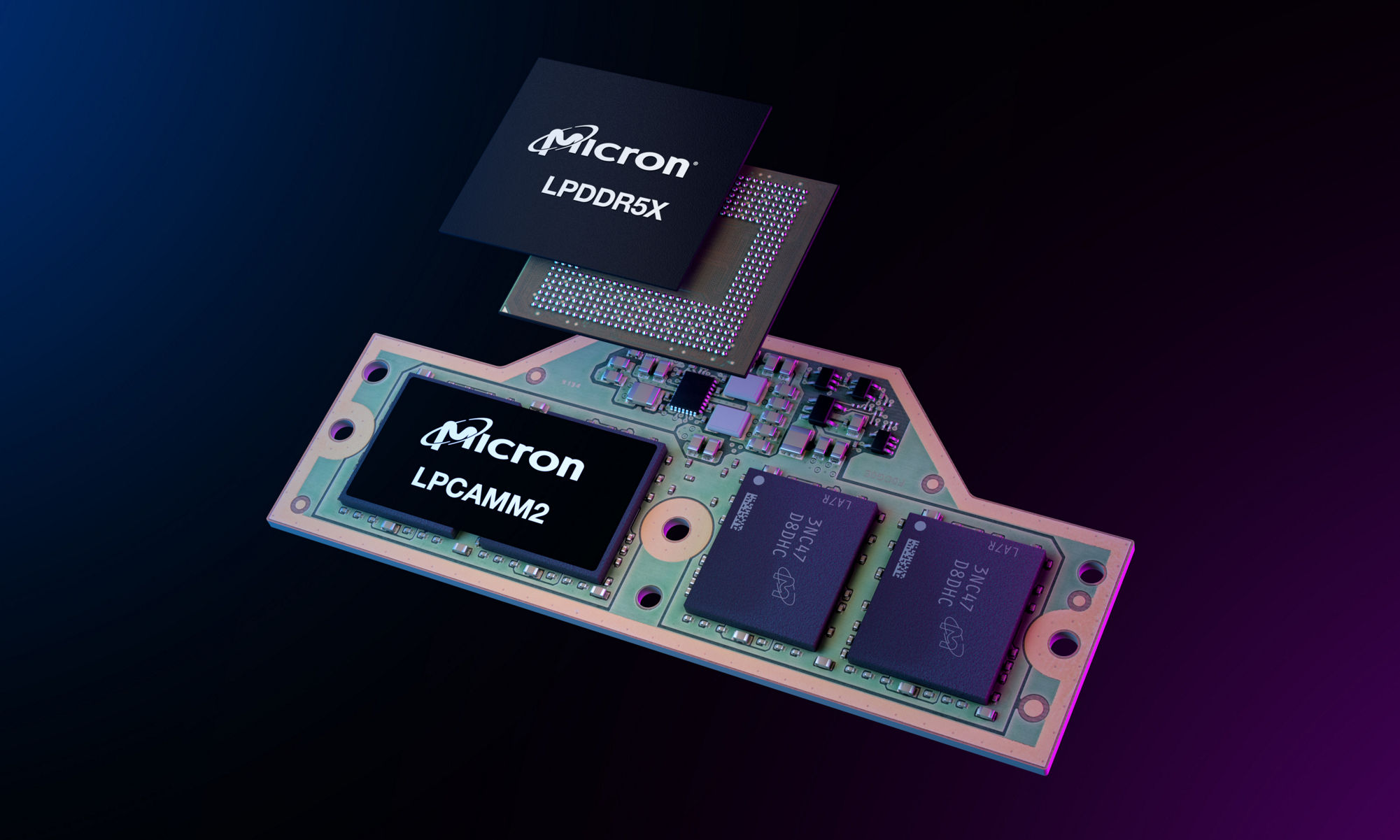
Announcing the new RealSSD C300
To explain why today’s announcement of Micron’s new RealSSD C300 is a game-changer for speed and storage in notebook and desktop PCs, I asked our SSD expert, Dean Klein, to share some of the thinking that went into the product and what you’ll experience the first time you boot up a computer with a RealSSD C300 inside.
Related posts:
- Windows 7: One Small Step for SSDs, a Giant Step for NAND-kind Microsoft’s new Windows 7 is the first operating system to...
Related posts brought to you by Yet Another Related Posts Plugin.
4 Comments
Dean Klein on March 16th, 2010
Thanks for the comment, Ayu510.
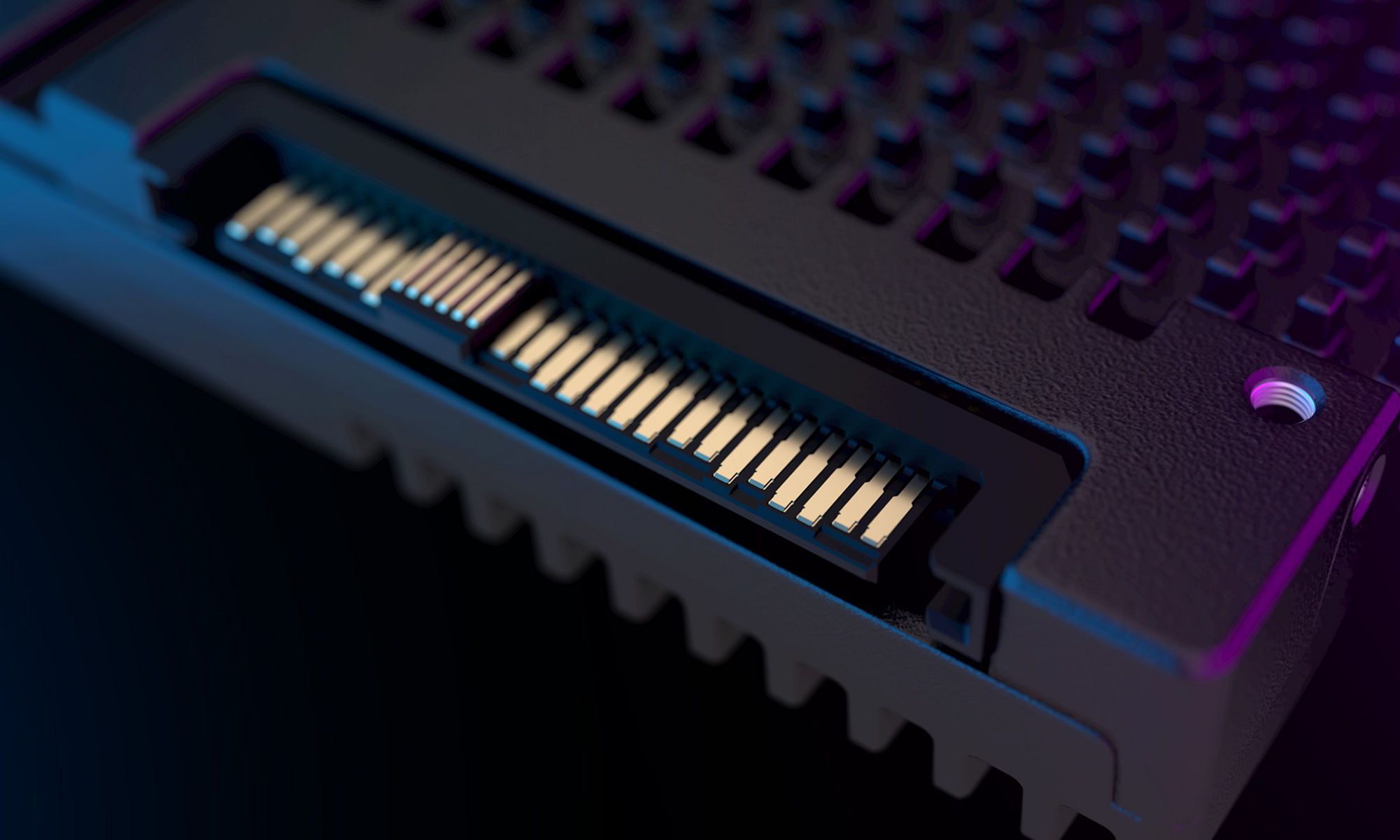
The C300 has a backwards compatible SATA interface, so it works with any SATA connector. You’re right that you’ll need to have a SATA 6 Gb/s interface (either on the motherboard or via an HBA) to get maximum performance, though. The top sequential read speeds for the C300 are 355 MB/s, but SATA 3 Gb/s doesn’t have enough bandwidth for that. On SATA 3 Gb/s, the sequential reads throttle back to 265 MB/s—that’s equal to or better than the fastest drives on the market, but definitely not the full potential of the C300. Whether or not this makes a big difference to you will probably depend on your application. If you’re still using a hard drive you’ll find that switching to the RealSSD-C300 SATA-II 3Gbps speed is like a night and day difference. If you are using some application that does a lot of large sequential transfers you may want to go all the way to a motherboard or adapter with SATA 6Gbps.
Sorry for the confusion around SATA 3, SATA 2, SATA 3Gbps and SATA 6Gbps. The industry does have a naming problem here. But at least the industry has done a good job of maintaining backwards compatibility. Here’s a decoder ring for you, below. Keep in mind that there is interoperability between all of the specs – it’s just that the maximum theoretical transfer rate will be limited by the system controller or the drive, depending on which meets the slower spec.

ayu510 on March 17th, 2010
Dean Klein
Wow Thank you for your information and also sharing your knowledge. I decided to purchase a motherboard that supports SATA 3.0 6gb/s. I also understand that i will need a SATA 3.0 cable for maximum performance. PLease correct me if i am wrong.
What i am curious is, with my OS being Windows 7 64bit can you inform me about TRIM and this SSD. Sorry for the vague question. I just want to learn more about this ssd because it really truly is amazing but pricey. I dont want to have to invest into something i dont know too much about.
Thank you Dean
Dean Klein on March 17th, 2010
Yes, the C300 supports TRIM in Windows 7, which is a software cleanup feature that helps keep the SSD performing at its peak. To learn more about TRIM and what it does, read my blog post on Windows 7 Optimizations for SSDs. In a nutshell, TRIM is a method of freeing up space on the SSD by allowing the SSD to “know” what is actually erased areas on the SSD.
Enjoy your C300!

ayu510 on March 15th, 2010
Dean Kelin
“When operating on the existing SATA 3Gb/s standard.” You also mentioned SATA 6gb/s which is known as SATA 3.0. I am confused for the maximum performance part. So i would need a Motherboard that has SATA 3.0 6gb/s? If i purchased an Asus P6T SE /w SATA or SATA II would it be a big difference between the SATA 3.0 6gb/s?